
12 Tech Accessories People Actually Buy — And How to Choose Them
Open any online store's electronics best-seller list and the same kinds of products show up again. Rankings shift by the hour and exact positions bounce around, but the categories are remarkably stable — and best-seller tracking reports tell the same story month after month. The twelve categories below are the ones that consistently earn their place at the top.
The point of this guide is not the brand names — those change constantly. It is how to choose well in each category: the specs that matter and the traps that waste money. One honesty note up front: SmartPath Media has not personally tested these products. Our picks rest on sales data and published specs, so check current reviews before you buy.
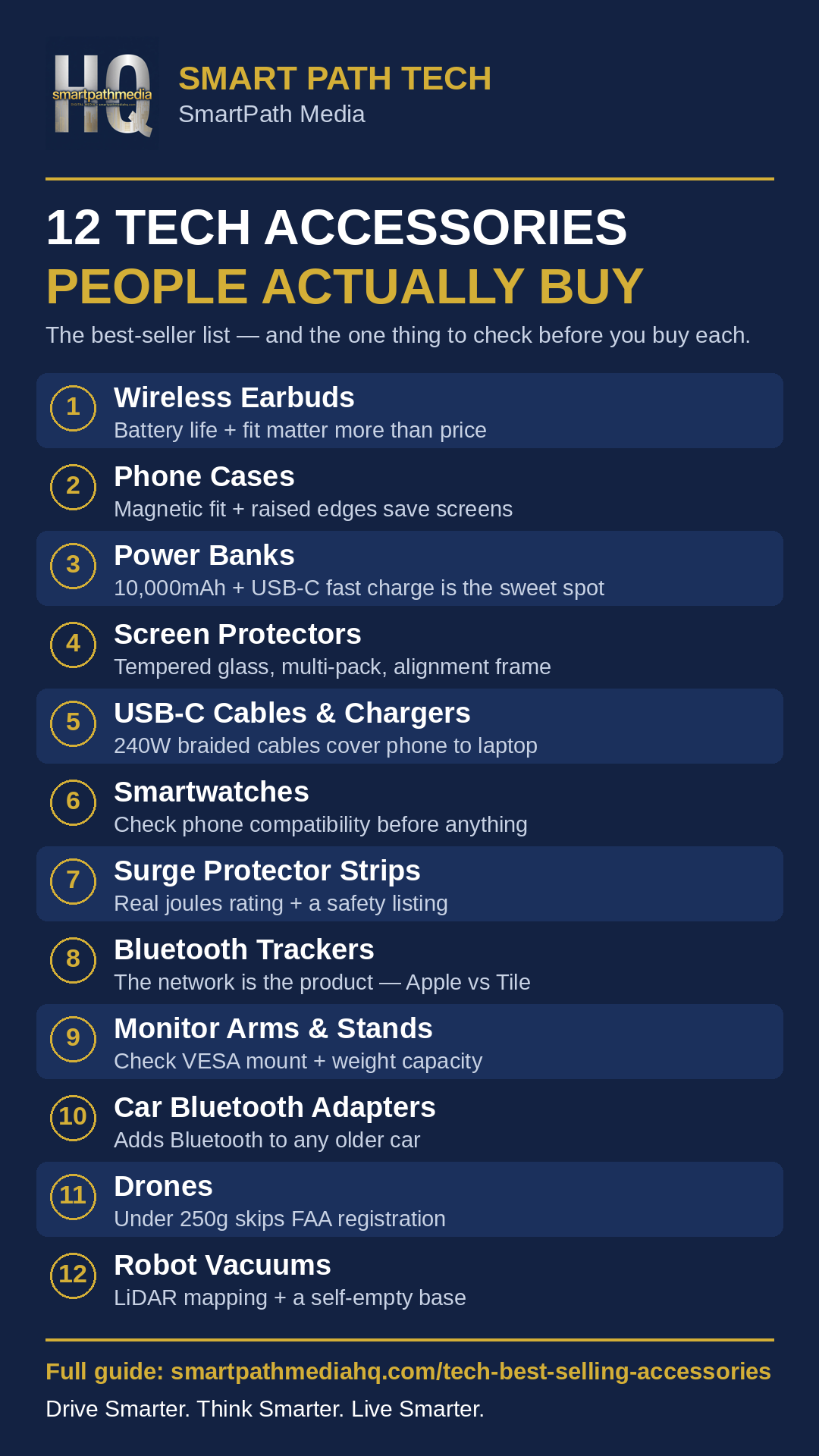
The whole guide on one page — save it or share it.
1. Wireless earbuds
Wireless earbuds are the accessory success story of the last decade: budget sets sell in the tens of thousands every month, while premium models like AirPods Pro thrive at the top end.
How to choose: fit matters most, so look for multiple ear-tip sizes. Check total battery life (buds plus case), the Bluetooth version — 5.3 or newer pairs faster and holds connections better — and codec support if audio quality matters. Beware no-name sets with impossible battery numbers; inflated specs are this category's signature trap. For most people, a well-reviewed set of wireless earbuds with a pocketable charging case covers work calls, workouts, and everything between.
2. Phone cases
Phone cases are arguably the single biggest-selling accessory type online. Every new phone launch sends millions of owners shopping for protection on day one, and cases wear out and get replaced.
How to choose: match the case to your phone's exact model — cutouts differ between versions that look identical. If you use magnetic chargers or mounts, confirm MagSafe or magnetic compatibility. Look for a stated drop rating rather than vague "military grade" language, and raised edges around screen and camera so flat surfaces never touch glass. A magnetic-compatible phone case with raised edges and a stated drop rating is the combination worth shortlisting.
3. Power banks and portable chargers
Portable chargers sell because phone batteries still do not last a heavy day. A 10,000mAh unit is the sweet spot: roughly two full phone charges in a jacket-pocket size.
How to choose: check output wattage, not just capacity — fast charging needs USB-C Power Delivery at 20W or more for phones, more for tablets and laptops. Weight matters for a bag you carry daily. Treat capacity claims on ultra-cheap units with suspicion; overstated milliamp-hours are common, and a bank that delivers far less than its label is the classic disappointment. For most people, a 10,000mAh power bank with USB-C Power Delivery is the one to carry.
4. Screen protectors
A tempered-glass screen protector is regularly the number-one item in its category on Amazon: inexpensive insurance against the most common phone disaster there is.
How to choose: tempered glass beats plastic film for impact and scratch protection. The feature that matters most is the installation frame — an alignment tray that drops the glass exactly into place, turning a fiddly job into a two-minute one. Buy multi-packs: the first install is practice for many people. Look for a tempered-glass screen protector multi-pack with an installation frame and you have covered the whole job.
5. USB-C fast-charging cables and charger sets
One connector for phone, tablet, and laptop made USB-C cables and fast chargers permanent best sellers. A 240W-rated cable covers everything from earbuds to a full-size laptop, so one spare can live in every bag.
How to choose: braided jackets outlast rubber ones. Match charger wattage to your hungriest device — an underpowered charger is why a "fast" cable charges slowly. Avoid unbranded chargers with no safety certification: a charger touches your home's wiring and your most expensive devices, so a recognized certification mark is non-negotiable. One braided 240W-rated USB-C cable can serve your phone, tablet, and laptop.
6. Smartwatches
Smartwatches sell on health tracking — heart rate, sleep, workouts, and the nudge to move. They are also the most compatibility-sensitive accessory on this list.
How to choose: start with your phone. An Apple Watch only works with an iPhone, and other brands split their support, so confirm compatibility before comparing anything else. Battery life varies hugely by brand — some models need nightly charging, others run a week or more — and that decides whether sleep tracking is realistic for you. Start by shortlisting a smartwatch matched to your phone's ecosystem, then compare battery life within that shortlist.
7. Surge protector power strips with USB ports
A surge protector power strip is a safety device that happens to add outlets and USB ports — and every home office and entertainment setup runs out of sockets.
How to choose: look for a real joules rating — how much surge energy the unit can absorb. Strips without one are power strips with extra marketing. Confirm an ETL or UL listing so the safety claims are verified. A USB-C PD port adds genuine fast charging without another brick. Treat it as protection first, convenience second: a surge protector power strip with a stated joules rating, a recognized safety listing, and a USB-C PD port covers both jobs in one purchase.
8. Bluetooth item trackers
Bluetooth item trackers sell because keys, bags, and wallets keep getting lost. The hardware is a small disc; the real product is the network that finds it, as passing compatible phones help locate your item anonymously.
How to choose: ecosystem first. AirTag runs on Apple's Find My network and needs an iPhone; Tile runs on its own network and works with both phone platforms. A tracker on a network your phone cannot join is a paperweight, so check compatibility before anything else. The practical pick is a Bluetooth item tracker that runs on the network your phone already belongs to.
9. Monitor arms and laptop stands
Home-office setups made monitor arms and laptop stands permanent best-seller fixtures — raising a screen to eye level fixes posture and frees desk space.
How to choose: check compatibility before anything else. Most monitor arms need a VESA mount pattern on the back of the screen — confirm yours has one, because many budget screens do not. Check the arm's weight capacity against your monitor's actual weight, with headroom. For stands, confirm the size range fits your laptop and the height reaches eye level with an external keyboard. Measure first, then choose an adjustable laptop stand or a VESA-compatible monitor arm rated comfortably above your screen's weight.
10. Bluetooth car adapters and phone mounts
Older cars without built-in Bluetooth keep adapters and mounts selling year after year. An adapter adds wireless audio and hands-free calling through the car's existing stereo.
How to choose: adapters connect by AUX cable, USB, or FM transmission — AUX and USB generally sound cleanest. Call quality lives or dies on the microphone, so check reviews for how callers say you sound. For mounts, choose vent, dash, or windshield to fit your car — and note that local laws on windshield mounts vary, so check yours first. If your car has an AUX port, a Bluetooth car adapter with a built-in microphone for hands-free calls is usually the cleanest upgrade.
11. Drones
Drones are consistently among the top-selling electronics categories online, driven by aerial photo and video work that once required a helicopter — travel footage and content creation.
How to choose: camera quality and flight time per battery are the headline specs. Flights run well under half an hour per battery, so budget for spare batteries and propellers from day one. GPS stabilization keeps a beginner's drone hovering in place instead of drifting away. Weight matters legally: in the US, drones of 250 grams or more must be registered with the FAA (a quick, inexpensive online process), while under-250-gram models skip registration for recreational use. Check local no-fly rules before your first flight. For a first purchase, a beginner drone with GPS stabilization and a spare battery bundle is the setup most people end up wishing they had bought.
12. Robot vacuums and home robots
Robot vacuums are the big home-robot sellers, and the gap inside the category is wide: basic models bump around randomly, while better ones map your home and clean in planned rows.
How to choose: LiDAR mapping separates a methodical cleaner from a bump-and-go wanderer. Suction figures are hard to compare across brands, so weigh navigation reviews more. A self-empty base cuts the main maintenance chore from every few days to every few weeks — but check replacement filter, brush, and dust-bag costs first. Other home robots, such as window cleaners and robotic lawn mowers, remain niche by comparison. For most homes, a robot vacuum with LiDAR mapping and a self-empty base is the combination that actually stays in use.
The bottom line
Look across all twelve categories and the pattern is the same: relatively inexpensive, centered on the phone you already own, and bought again when the old one wears out, breaks, or no longer fits the new device. The buying lesson travels with the pattern: in every category, one or two specs decide whether the product works for you, and the brand name is rarely one of them. Find the spec that matters, verify it on the listing, and let the sales charts show you where to start.
SmartPath Media guides are educational starting points, not professional buying advice. Prices, features, and best-seller rankings change constantly — check the seller's current listing and recent reviews before you purchase. Some links on this page may be affiliate links; see our disclosure for how that works.
Drive Smarter. Think Smarter. Live Smarter.
← Return to SmartPath Media